
FACTORY-DIRECT OEM / ODM MANUFACTURING
Upload Custom Product Artwork for Factory Review
Gairun is an OEM and ODM metal crafts manufacturer supplying custom medals, challenge coins, lapel pins and badges, metal trophies and plaques, keychains and bottle openers. We work with buyers and designers who need a factory to assess an existing concept. Submit your vector artwork, PDF, technical drawing or sketch with the main product specifications so our team can review the project.
This upload path is for artwork and engineering assessment. Include the product type, quantity, dimensions, finish requirements and your contact details with your files.
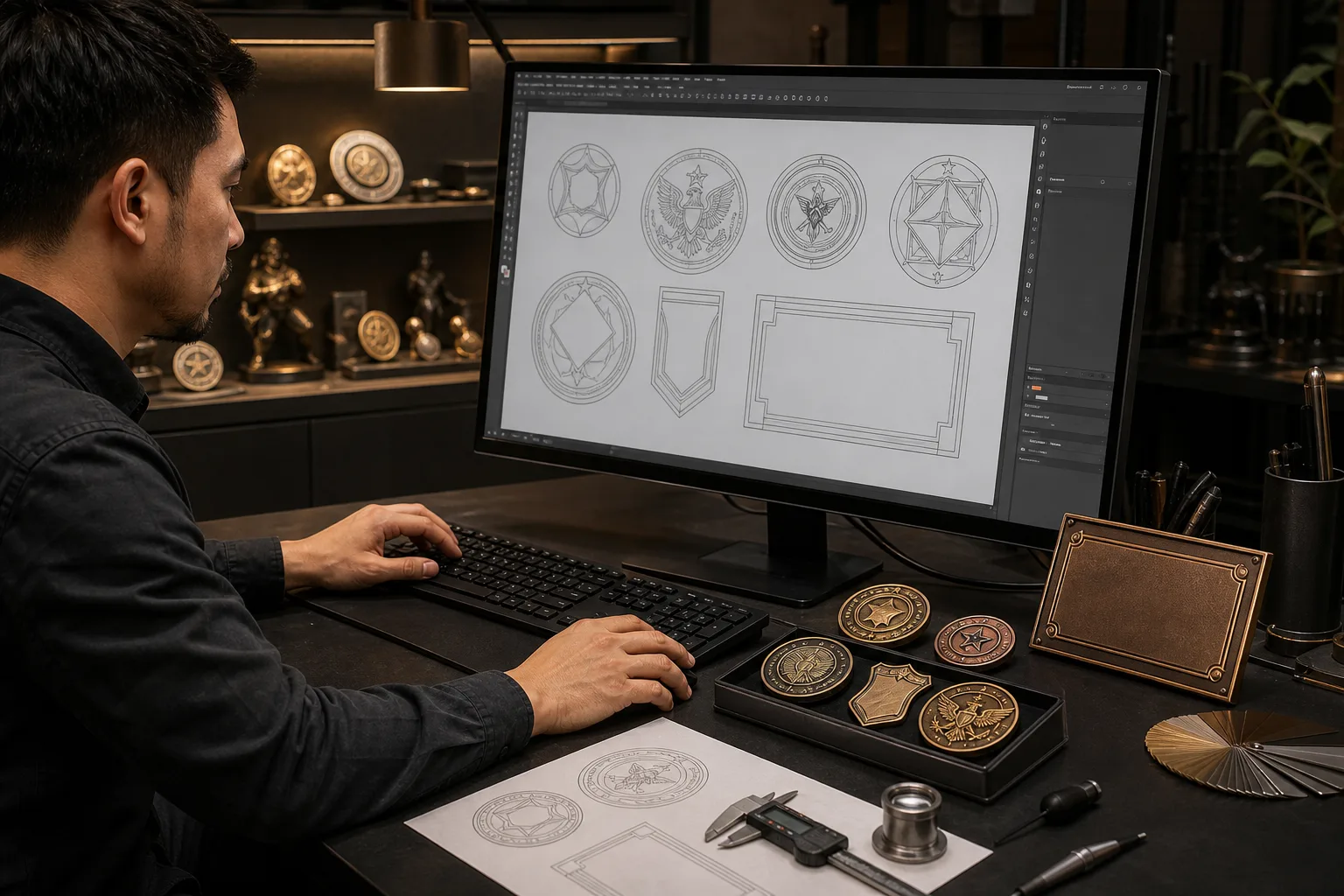
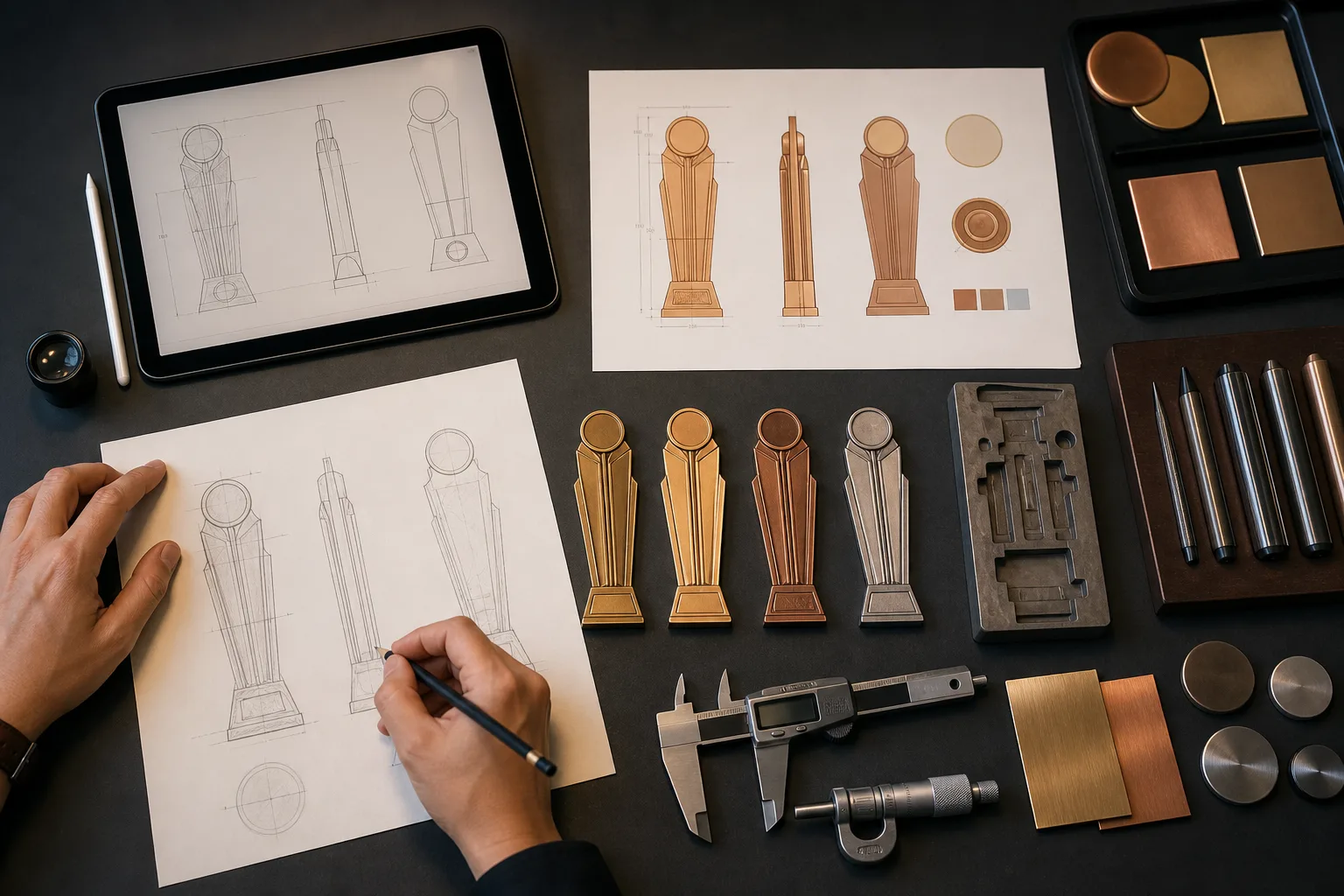
Send the Artwork You Have Available
You can start with vector artwork, a PDF, a technical drawing or a sketch. The file does not need to answer every production question, but it should show the intended shape, graphics, text and product layout as clearly as possible.
If your design is still being prepared, use our artwork and file preparation guide to check dimensions, front and back views, color references, text and attachment notes. For complete pricing, packaging, destination and schedule review, submit a separate custom metal product quote request.
Identify the Product Connected to Your Files
Select the product family that best matches the design: custom medal, challenge coin, lapel pin or badge, metal trophy or plaque, keychain, or bottle opener. Add a short project or design name so your submission can be identified if you send more than one concept.
If you are unsure which category fits the design, review our custom metal products before uploading. You may leave technical process choices open for factory assessment.
Keep File Names and Revisions Clear
A clear file package reduces the risk of reviewing an old drawing or the wrong product view. Label the front, back and separate component views. If several versions are attached, identify the current revision and state which file is the main approval reference.
01
Use one consistent project or design name across related files.
02
Mark front, back and component views in the artwork.
03
Identify color, date or award-level versions.
04
State which revision is current.
05
Point out any earlier file that should not guide the review.
Provide Size, Quantity and Version Details
Enter the main product dimensions and planned order quantity. Dimensions may include overall width, height, diameter or thickness when these details are known. These inputs help us read the artwork at the intended physical scale.
Separate quantities when the project includes different names, award levels, colors, dates or designs. A version breakdown helps distinguish a shared base design from details that change between products. The information supports assessment and does not confirm price, production timing or availability.
Describe the Intended Metal and Surface Appearance
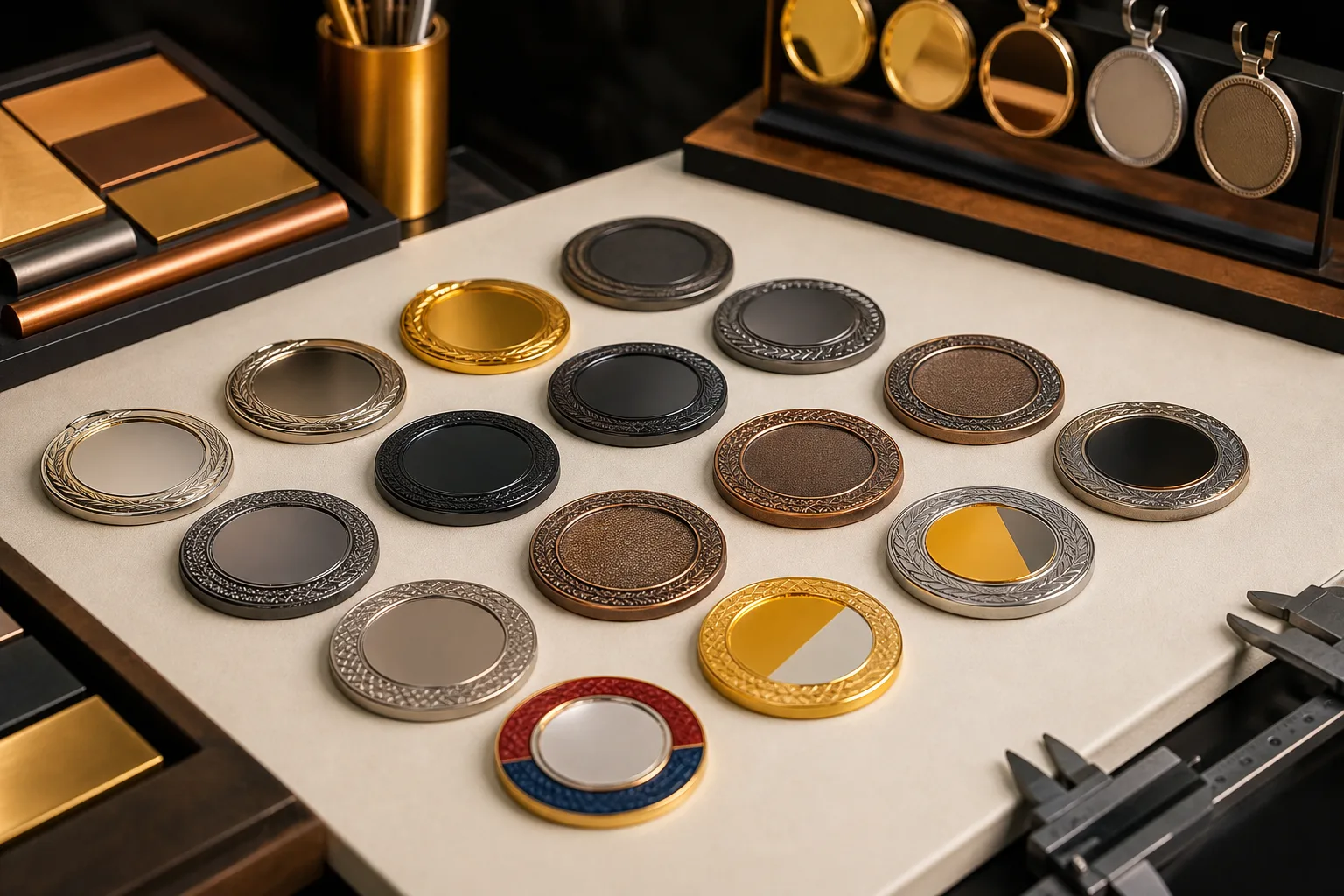
Tell us what you already know about the material, forming method and finish. Mark an item as undecided when you need technical review instead of choosing a process without enough information.
| Specification | Details you may provide |
|---|---|
| Material | Zinc alloy, brass, iron, stainless steel or aluminum |
| Forming method | Die-casting, stamping or die-struck forming, photo etching, or hydraulic high relief |
| Metal finish | Gold, silver, nickel, black nickel, antique bronze, antique silver or dual plating |
| Surface effect | Sandblasting or matte finish |
| Color and graphics | Soft enamel, imitation hard enamel, screen printing or UV printing |
| Coating | Clear epoxy |
Detailed comparisons belong in the product and manufacturing guides. For this submission, concise notes tied to the artwork are enough.
Mark Relief, Attachments and Moving Parts
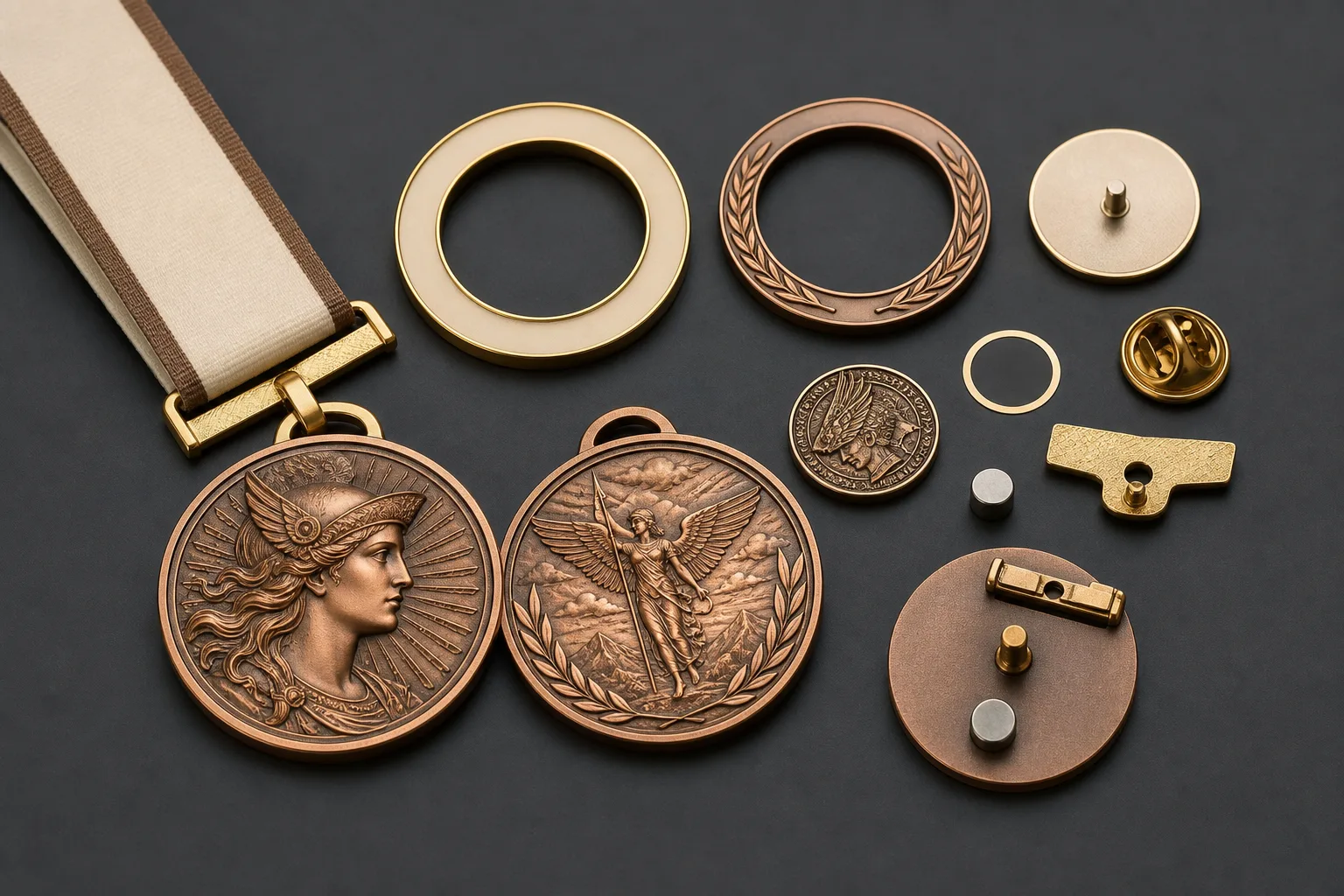
Artwork alone may not show how raised areas, recessed areas or separate parts should work. State whether the design uses 2D or 3D relief and identify the intended direction of the relief. Include notes for the front and back, especially when the two sides use different treatments.
Show any spinning, moving or combined components as separate views. For applicable products, identify attachments such as medal ribbons, butterfly clutches or magnets. Explain which components connect and which surfaces require decoration. These notes communicate design intent; final construction remains subject to project assessment.
Add Contact Details and a Clear Review Question
Provide your name, company and business email, plus a practical contact method for questions about the submitted files. Use the review notes to state the decision you need from Gairun. For example, you may ask us to assess an unclear relief area, a connection between components or a proposed finish boundary.
Do not use this upload as a substitute for a complete commercial inquiry. Shipping destination, packaging, required schedule and other quotation details belong in the Request a Quote form.
Check the Submission Before Sending
Confirm that the files are attached and that the submission identifies the product type, quantity, dimensions, finish requirements and contact details. Check that the latest revision is clear and that any front, back or component instructions match the uploaded artwork.
Your submission is used for project assessment. To ask a question through another route, contact Gairun. Information submitted through website forms is addressed in our Privacy Policy.
Artwork Upload Questions
Send Your Design for Assessment
Review the file revision and product details one final time, then submit the package for Gairun to assess.
Upload your project files